I’m currently very much into making interactive components for our blog posts. One of the recent ones is this animated delta sync diagram for the “Rebuilding Linear’s delta sync read path” article:
I had to animate this so that it makes sense in the context of the article. Since I don’t really know how delta sync works, I read the article to get a rough understanding of the concept, and then asked AI to do the same and propose a suitable animation.
>Read this article and propose an animation for this diagram [IMAGE #1]
The idea it came back with was roughly this: “lots of numbers go in, they get funneled together, and only a few come out, so we animate the funnel to show the process”. This is very much simplified, but there’s no need to go deep into the technical details here.
I knew that each wire was an SVG path, and knowing that the <animateMotion> SVG element can animate elements along a path, I asked AI to use exactly that for the animation together with the idea it came up with.
>Let’s do this. Can you use the `<animateMotion>` SVG element for the animation?
The result was the animation above. I knew what to ask for, since I was aware of animateMotion, but the AI would probably end up using it anyway, it would just take a bit longer.
The motion felt good since the agent automatically invoked the /emil-animations skill. So make sure you have the course skills installed as that can drastically improve the quality of your output without you having to do a thing. Less slop by default, basically.
I keep things simple and try to describe what my goal is and work together with the agent to achieve it, I try to treat it as a colleague. It won’t get everything right at once, so a few extra instructions are needed, but that’s pretty much it. Do not overcomplicate things.
The above workflow was done without me having to write a line of code. That’s how I usually do it these days. It might sound weird, because Linear cares about craft and quality, but you can maintain these values while using AI. This is the reality of today. The sooner you embrace it, the sooner you can start using AI to its full potential.
To help you get more comfortable with this idea, I’ll give you a few more examples. One of them is the Linear Data report. All the interactive components there were built with AI.
I have not written any code for the graphs and punch cards. This obviously required a lot of back and forth with the agent to get it right, but it was still much faster than if I were to code these graphs myself.
It’s important to know what to delegate though.
I explicitly mentioned the graphs and punch cards, because they are quite complex and require a lot of code to make them work. The whole layout of the page, typography, spacing, etc. were all built by hand, because it was faster this way.
So a natural question that arises is: when would you delegate things to an agent? Let’s put your instinct to the test. Below are 20 tasks, read through them and decide whether you would delegate them to an agent or build them by hand.
1 / 20
A ⌘K command menu
Fuzzy search, keyboard navigation, nested pages, recent items. You know the pattern, and so does the agent.
I’d actually delegate this one.
Most of the code covers the logic here. I’d describe it, let the agent write the plumbing, and spend my time on how it feels to use.
Tuning the drawer’s spring
The opening motion feels a bit off. Stiffness, damping, and bounce need small nudges until it feels right.
I’d actually build this one by hand.
This is a problem that will likely require some trial and error, so it’s faster to do it by hand.
An empty state illustration
A small SVG scene with a grain texture and a few shapes that need to sit right next to each other.
I’d actually build this one by hand.
There’s nothing to spec here. It’s optical balance, and I’d spend longer describing the shapes than moving them around myself.
A virtualized data table
Ten thousand rows, sticky headers, column resizing, keyboard selection.
I’d actually delegate this one.
Lots of logic here again, I’d describe the problem, delegate it, and focus on reviewing what the agent has built.
That button from your inspiration folder
Layered inner shadows, a subtle glow, translucent borders, lots of details.
I’d actually build this one by hand.
The screenshot won’t carry the details across. I’ll end up adjusting values anyway, so I’d rather start there.
Migrating hardcoded colors to tokens
Dozens of components with stray hex values that should be design tokens instead.
I’d actually delegate this one.
Mechanical and easy to check at the end.
A date range picker
Two linked calendar months, preset ranges, disabled dates, full keyboard support.
I’d actually delegate this one.
A solved problem with a long tail of edge cases. The agent can deal with it better than I would.
Your landing page hero
The first screen visitors see. Headline size, image placement, how much whitespace to leave.
I’d actually build this one by hand.
This is all composition. An agent will give me a plausible hero, but I need the right one, and I can only find it by moving things around.
A drag-and-drop kanban board
Cards that move between columns, reorder within them, and announce every change to screen readers.
I’d actually delegate this one.
The hard part is state and accessibility wiring. That’s dense, testable logic, and agents are good at it.
Optically aligning an icon set
A dozen icons that are mathematically centered but look off. Each one needs to move a pixel or two.
I’d actually build this one by hand.
Hard for an agent to get right without spending a lot of time on it.
Picking the brand’s accent color
One color that has to work on buttons, links, charts, and in both themes without going muddy.
I’d actually build this one by hand.
You could ask agent to propose a few colors, but you need to pick the right one at the end of the day.
A multi-step signup flow
Four steps, validation on each, persistent progress, back buttons, etc.
I’d actually delegate this one.
Easy to describe and easy to test, which makes it a good thing to hand off.
Storybook stories for the whole kit
Every component in the library needs stories for its variants, sizes, and states.
I’d actually delegate this one.
Repetitive, and everything the agent needs is already in the code.
A non-generic loading spinner
A small looping mark to replace the generic spinner.
I’d actually build this one by hand.
Really a creative task. You could run the /emil-get-creative skill to get a few options, but you are the one in charge of the final decision.
A global keyboard shortcuts layer
App-wide hotkeys, per-view overrides, conflict handling, and a searchable cheat sheet dialog.
I’d actually delegate this one.
Just a map of shortcuts and a lot of wiring. I’d write the map and review the behavior.
Choreographing the onboarding intro
Three screens of copy and product shots that need to land in the right order, at the right pace.
I’d actually build this one by hand.
I only the right sequence by watching it play.
Cropping screenshots for the marketing page
Framing your app’s best angles. What to show, where to cut, how much chrome to keep.
I’d actually build this one by hand.
Very much a human task since it requires judgement.
Infinite scroll with optimistic likes
A paginated feed, intersection observers, likes that update instantly and roll back when the request fails.
I’d actually delegate this one.
Well documented territory with some tricky failure states.
Migrating styled-components to Tailwind
Forty components of CSS-in-JS, each needing translation to utility classes.
I’d actually delegate this one.
Pure translation with a clear definition of done. The agent can do this faster than you can.
Setting the blog’s type scale
Font sizes, line heights, and measure for long-form reading. A handful of numbers that only work together.
I’d actually build this one by hand.
You judge a type scale by reading with it, so it’s on you, but you can always ask the agent to help you with the final decision.
You made the same call as me on 20 of 20.
If it’s a lot of code and you can spell out what you want, delegate it. If the quality lives in your eye, or you’re simply faster by hand, build it yourself.
A ⌘K command menu
Fuzzy search, keyboard navigation, nested pages, recent items. You know the pattern, and so does the agent.
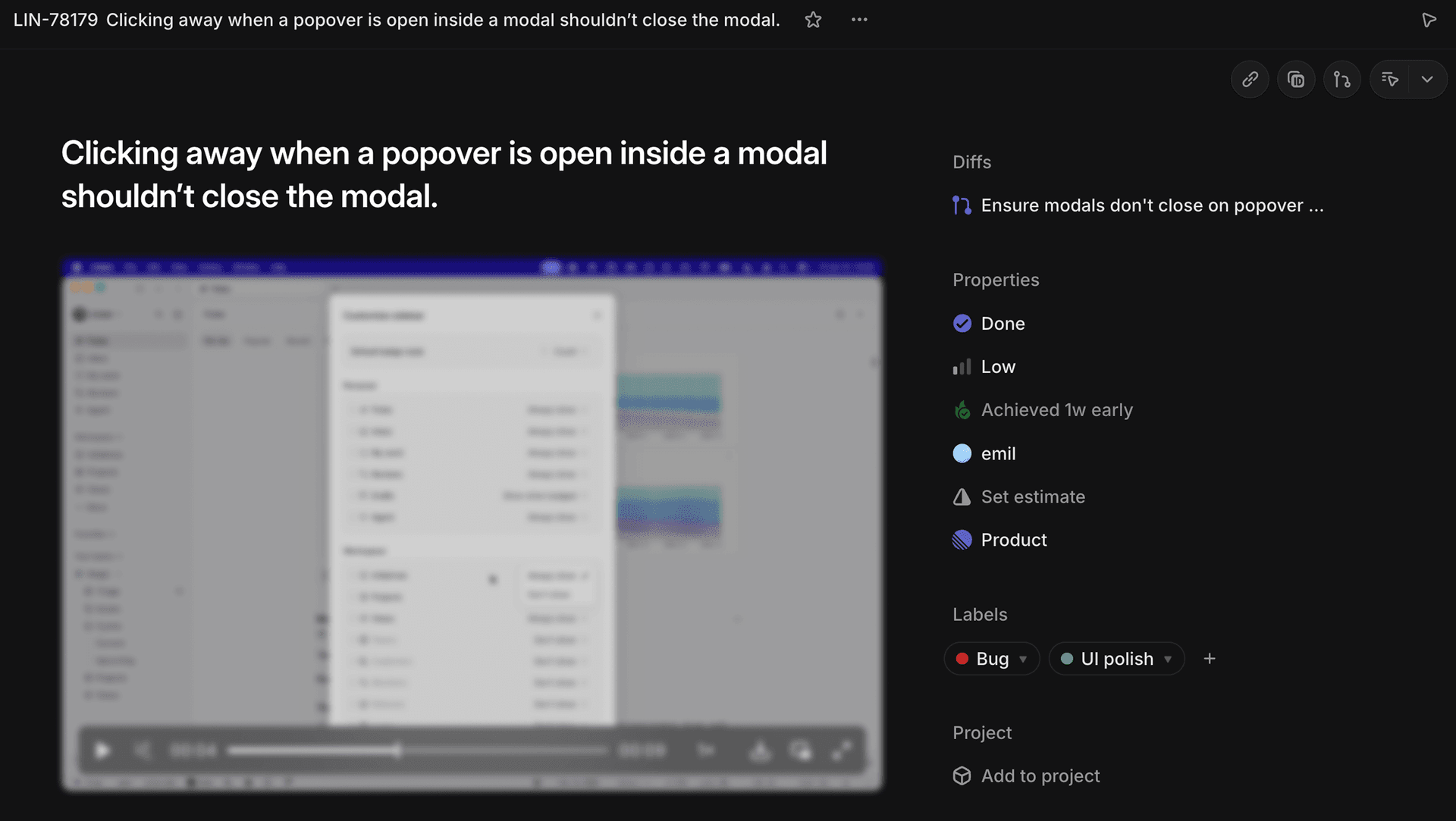
I, like most people at Linear, love to fix small bugs, papercuts that gradually build up and make the experience worse and worse. Oftentimes I use our app, spot a bug, create a Linear issue, and delegate it to an agent. This is how this bug was spotted, and fixed:
Emil Kowalski @emilkowalski
Fixed this small bug in Linear’s app today which I often see in other apps as well. Here’s a small before/after.The issue:When you open a popover inside a modal (think a custom select), clicking outside the popover to close it also closes the modal.The desired behavior is to close the select on click outside while keeping the modal open.This often happens because custom dropdowns or select components are rendered in a portal. The modal then treats the interaction as an outside click because, technically, the dropdown isn’t inside the modal in the DOM, it’s rendered elsewhere via a portal.The fix depends on your setup, whether it’s Radix/Base UI, fully custom etc. But since you now know the cause of it, you can ask your agent to fix it for you!
The initial issue description was pretty simple. Just a title and a video showing the issue. The agent then proposed a fix, and I accepted it.
This has a high ROI, since you can fix so many little bugs without spending too much time on it. The workflow is simple: spot something that’s wrong → document it → delegate it to an agent. While the agent is working, you can focus on other things.
To give you just one more example of this workflow, here’s a tweet of me fixing a long-standing bug in Linear. I came up with the solution, described it to an agent, and it fixed it for me.
Emil Kowalski @emilkowalski
We had this long-standing papercut at Linear where the menu items overflow their outer container.It was hard to fix, or so I thought, because the structure is pretty complicated given all the design details, so a simple overflow: hidden wouldn’t work as it would break the animation.But today I had an epiphany that we could just use a simple CSS mask and fade the items out.Here’s a before & after with a zoom on the problem, look at the left edge:
The most important part is documenting the issue clearly so that the agent knows what to fix and how. Using screenshots with arrows pointing out the issue is a great way to do this. If it’s motion, use Lapse. Find the frame where something needs fixing, copy the state, and include it in the issue.
This takes a minute or two, but it’s definitely less than if you were to fix it by hand.
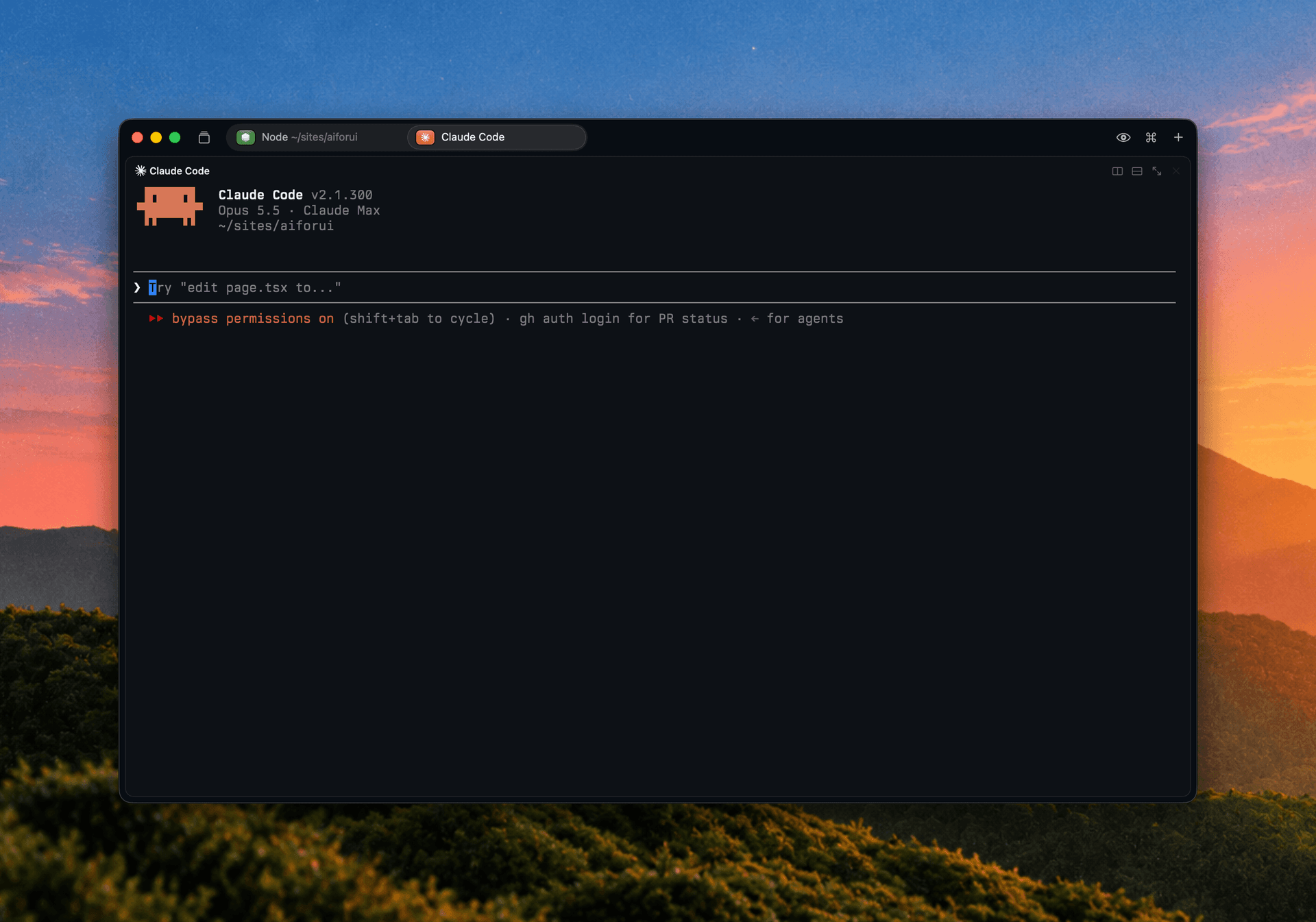
When it comes to the specific tools I use, it’s pretty simple: Claude Code for working with AI, Cursor for manually writing code. I don’t have any fancy setups within these two tools either. I use Rex as my terminal for CC, this is how it looks:
I like to use Codex for stuff outside of code. The desktop app as well as the ChatGPT mobile app I enjoy using the most, and since most LLMs from various AI labs have similar capabilities, I base this decision on the UX.