When you get into more creative work, you will notice that getting what you want from AI becomes increasingly difficult, because the work itself becomes more creative and your agent can’t fall back on known patterns.
Creative work, by its very nature, has to produce something new, but AI is built on large datasets, so it learns from what already happened.
Data sets, by their very nature, are backward-looking. Creativity, by its very nature, is forward-looking.
”This means that we need to get more creative with our tools.
An initial period of thinking deeply about a design problem, sketching it out on paper, helps a lot, and that’s where you should start. But we should also be moving with the times and use the tools to our advantage.
After all, code doesn’t just make design more efficient, it expands what a design can be.
With that in mind, we can build tools to help us build other, more creative things.
We can define an idea by a set of rules and expand from there, creating an endless array of variations, tweaking it to our liking with knobs and dials, and end up with something fresh, something unique.
Such a workflow would’ve taken us ages in the pre-AI era.
Let’s say I’m looking for a visual for a new blog post on depth. Something abstract, eye-catching, but still related to the topic: contour lines, the way a map shows elevation.
I can roughly describe the idea of it, but I can’t precisely describe the image I actually want, because I won’t know it until I see it. So I don’t try to one-shot it, I ask my agent to build me a tool that creates images like that.
Build me a canvas component that draws the contour lines of a field onto a coarse grid of squares, like a topographic map rendered in pixels. Give me a few different fields to switch between, a panel with knobs and dials so I can tweak stuff, and a copy button that copies the exact settings so I can keep the one I like. Also, make it so when I click on the canvas, it generates a new composition.
This gives me exactly what I wanted. An easy and quick way to generate lots of variations of the image. Once I find something I like, I can tweak it further with the panel, or I can copy the settings and use them in my actual post.
The same workflow holds when the thing you’re after is bigger than a background image. Say I want a series of posters, each a bit different, but all related to the same theme. Again, I can roughly describe what I want and the coding agent can then build a tool in which I can click through the variations.
Build me a poster press. Portrait sheets, warm paper, near-black ink, one accent color. Give me a set of directions to flip through: a silk ribbon serpentining down the sheet, shingled fish-scale waves, a field of Truchet tiles that reroute themselves, and a sunrise of concentric bands. Everything should move slowly, and react to my cursor. Click creates a new poster.
This prompt is oddly specific, you’ll understand why soon.
Every click creates a slightly different pattern, positioning, or color, or all three. Once I find a composition I like, I can simply press the save button below the posters and use those settings in my actual project, or even ask the LLM to copy these as images.
To get more specific about the models, the posters above were made using Fable 5. I mainly use Anthropic’s models, but for image generation, I like to use the Codex app. Here are some riffs on some posters for aiforui:
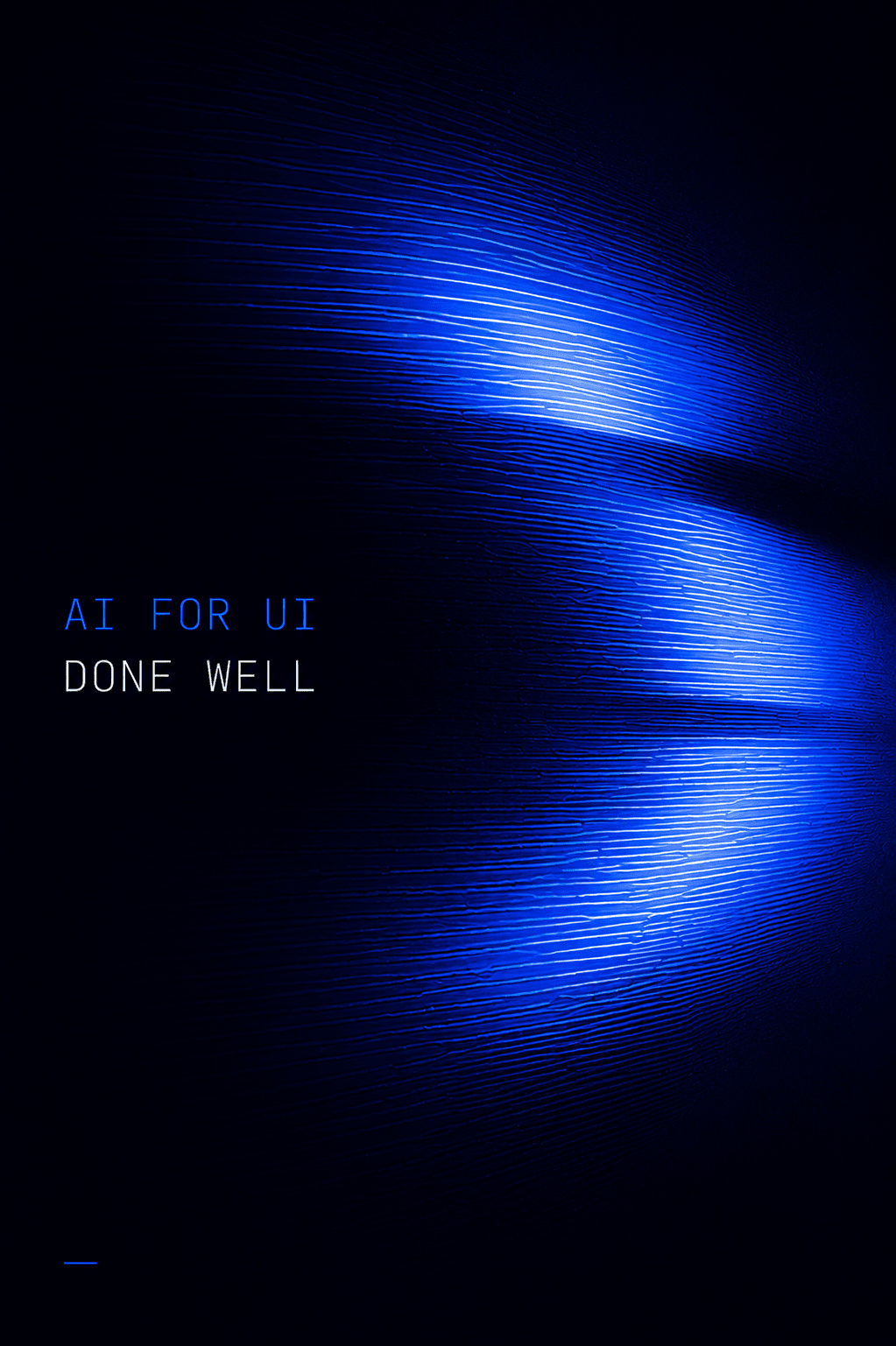
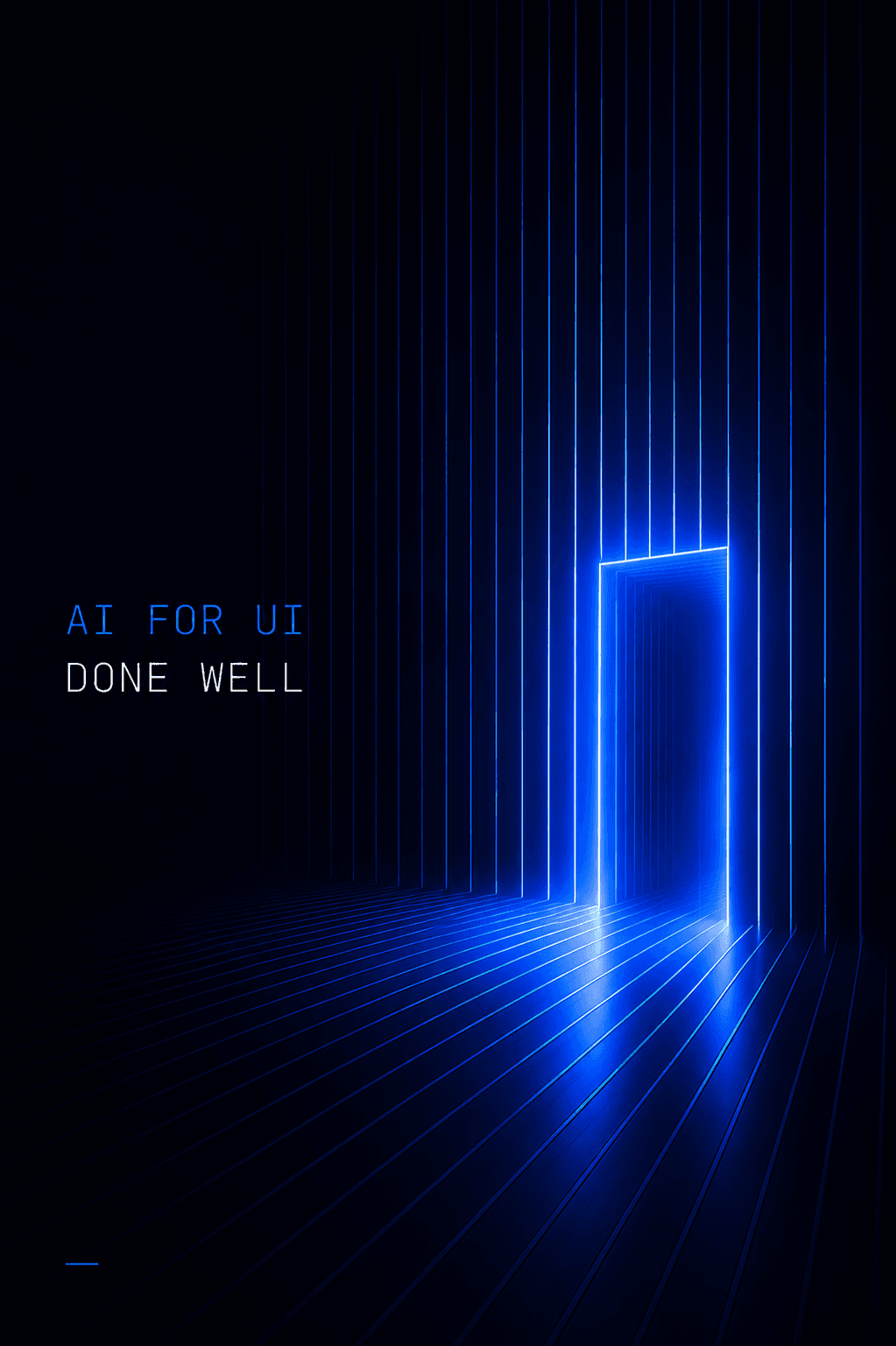
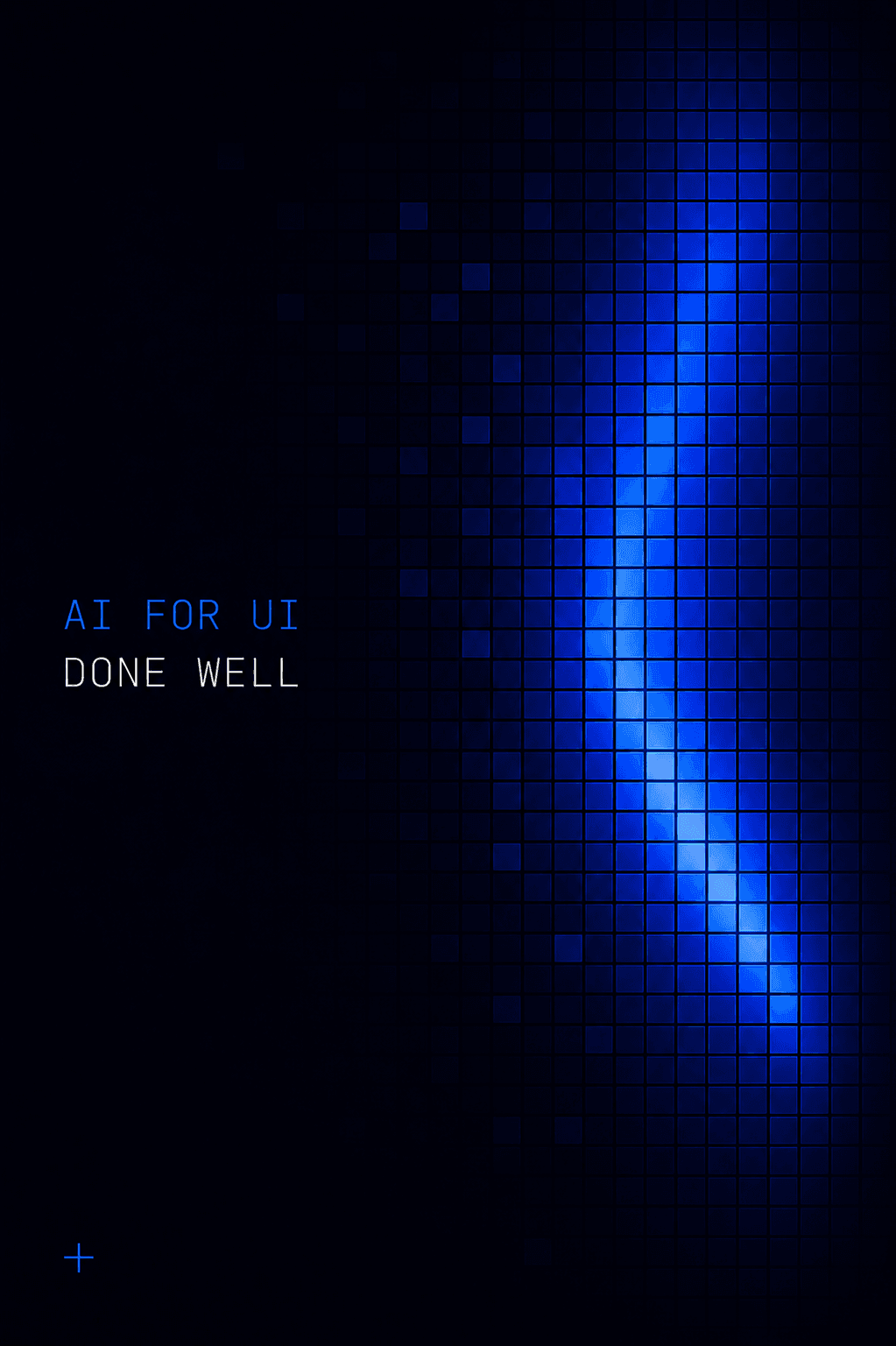
These are far from perfect of course, but they serve as a great source of inspiration for the final posters.
I like to run this type of workflow even when I’m not looking to achieve something specific. It often produces some happy accidents, interesting patterns, satisfying interactions. It can simply serve as a creative playground and a source of inspiration for some more serious work later on.
The goal for me is to have an agent running at all times. Doing research, building tools, or helping me build the things I want to build. It’s honestly pretty hard to stick to this rule, so whenever I have nothing better to give to an agent, I just ask it to build stuff like above in search of inspiration.
The interactive poster’s prompt above is pretty specific: warm paper, near-black ink instead of black, one accent color, a field of Truchet tiles. To be very honest, I didn’t know what I wanted when I started. I could see the rough vibe I was going for in my head, but that was about it.
So before asking the LLM to build what it did before, I first described the rough idea I was going for, fuzzy as it was:
I want to make some small posters. They should feel like old screen-printed prints, kinda warm, bold geometric patterns. What am I looking for precisely?
Then, using the answer I got from the first prompt, I asked it to research the visual language of that vibe:
Research the visual language of screen-printed posters. What does the process do to the paper, the inks, and the number of colors on a sheet? And the geometric patterns that keep showing up in that tradition — name them for me. Give me the findings as a set of rules I could feed into a generator.
With the research in hand, I asked it to build a prompt that would generate the posters based on the research.
This isn’t cheap though. Using Opus 5.0 I ran it as three agents in parallel, and between them they burned through almost half a million tokens:
But that research became the foundation for my prompt. If I had skipped this part, I would probably have gotten a result that doesn’t really match the blurry vibe I had in my head when I was starting out. So it’s worth paying the cost if the task is important enough.
To summarize this lesson, the creative workflow described here looks like this:
You could describe all of this in a prompt every time, but as always, I’m trying to make your life easier, so I’ve packaged it into the /emil-get-creative skill:
npx @aiforui/install emil-get-creative --token=…Here’s an example prompt to give you an idea, but it could be anything really. The beauty of skills is that they are really flexible and adapt quickly.
/emil-get-creative I'm stuck on the visuals for my talk. Something that feels like early computer graphics, wireframes, glowing lines? But warmer, more handmade.